Postman
To test our API without writing a single line of code, we used our OpenAPI Specification to generate a dedicated Postman Collection.
Postman is an API Platform for building and using APIs. Postman Collections can describe all the methods exposed by an API, making it possible for the user to modify the different request parameters and perform actual calls towards the API, obtaining the HTTP response as a result.
0 - Install Postman
To use our collection, we suggest downloading Postman on your device; it is available for Windows, Mac, and Linux.
Next, sign up to Postman: don't worry, to use our collection the Free Plan is enough 😉
1 - Import the Collection
Run this button to access collection!

2 - Copy Collection with a fork
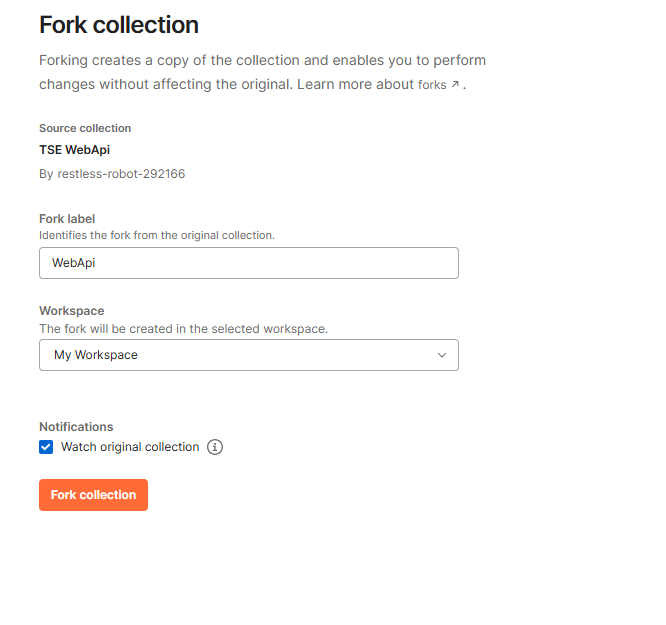
Now you're almost ready to interact with our API!
If you prefer, you can instead use our OpenAPI Specification directly, importing the .yaml files using this procedure. You just need to be sure to download also the files in the models folder, otherwise, the import will fail. Also, you need to select the right parameters to import the collection correctly.
3 - Authorization
Next, to be able to interact with our API you need to be authorized: see the Authentication page for further info.
You have two main options to retrieve a valid token:
-
Manual OAuth 2.0: if you want to test the authentication step, you can try retrieving the token and using it directly in Postman. Once you have a valid token, you can simply insert it as a Bearer token by following this procedure.
-
Automatic OAuth 2.0 with Postman: using Postman’s native standard authentication model.
Below is an example of option 2, showing how to use Postman to automatically retrieve your Access Token from its interface. To proceed with the configuration, click on the collection and select the Authorization tab, then fill out the Configure New Token form.
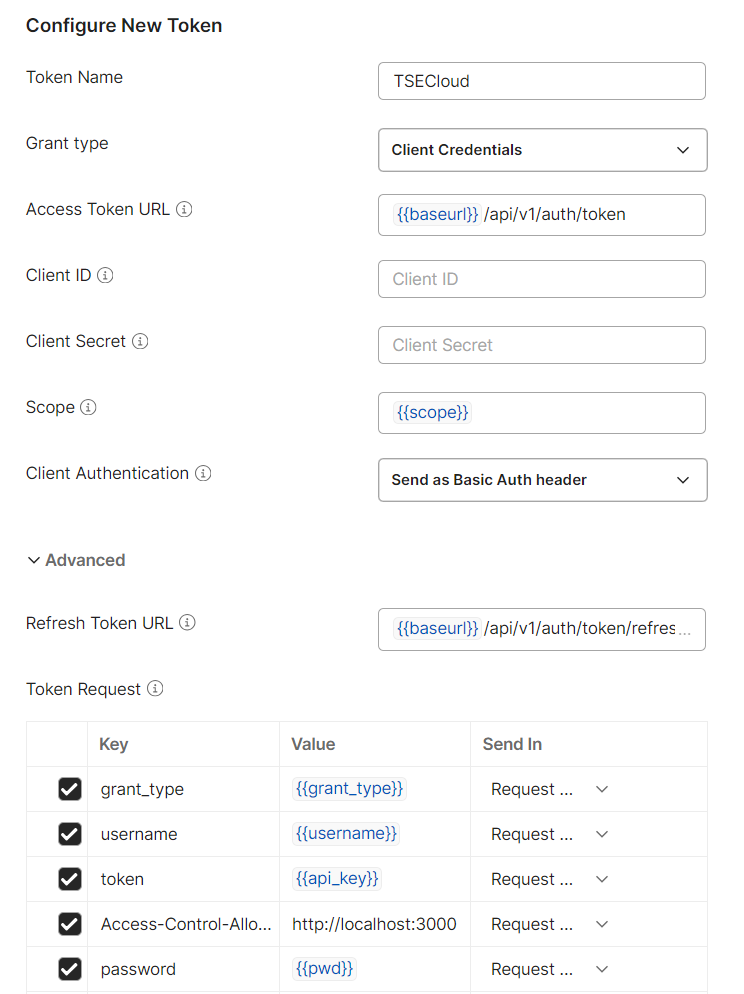
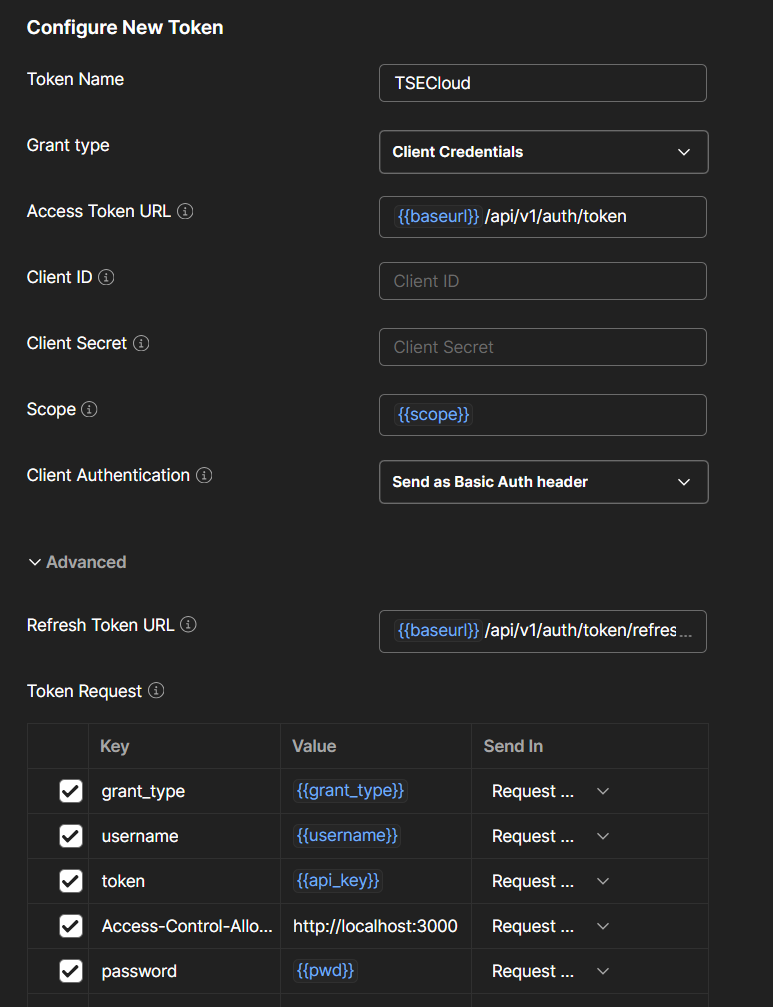
Example parameters:
- grant_type: token
- username: received parameter
- token: received parameter
- Access-Control-Allow-Origin: http://localhost:3000
- password: null
- scope: received parameter
- web_base_url: received parameter
Once the configuration is complete, click Get New Access Token, and after authorization, Postman will ask if you want to save the token for future use.
4 - Test our APIs!
You're finally ready to test our API using Postman. Select the method you want to try, compile the request parameters and click the Send button! Have fun!
Many of our methods are Company-scoped, which means they require to indicate the ID of the Company we're operating on.
The good news is that you can use Postman to retrieve it! Check the Company-scoped Methods page for more info!
5 - Update Collection
In case of changes to the published collection, appropriate notifications are sent mail.
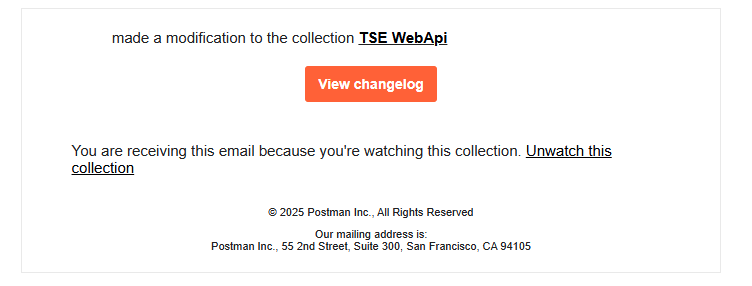
You can update your collection to the latest version by making a Pull request from Postman.